Croquet website builder
Create a croquet website for your league or club for free
- Free plan, no credit card
- Every style on every plan
- Schedules and registrations appear as you publish
Free croquet website in your club's colors
Pick a style and add your logo. What you publish in Playpass appears on the site, so there is nothing to copy over.
-
Your logo and club colors
Choose from 11 styles and add your logo. For styles in brand colors, Playpass suggests colors from the logo for you to adjust before saving.
-
Schedules and registrations
Schedules, registrations, memberships, booking pages, and waivers appear on your homepage as you publish them. Players find their games and sign up from there.
-
Sponsor packages
Offer sponsor packages on your site, and show each sponsor's logo on your homepage once you approve it.
-
Pages and documents
Add pages for your rules, refund policy, or code of conduct, and post files such as field maps and handbooks. Free publishes one page and one file at a time.
-
Online store
Sell merchandise, uniforms, and extras from a store on your site, with online checkout.
-
Your own domain
Every site has a playpass.com address. On a paid plan billed yearly, add your own domain for $99/year.
11 styles, one click apart
Every style renders the same site with the same content. Switch whenever you want: nothing you have published moves or has to be rebuilt.
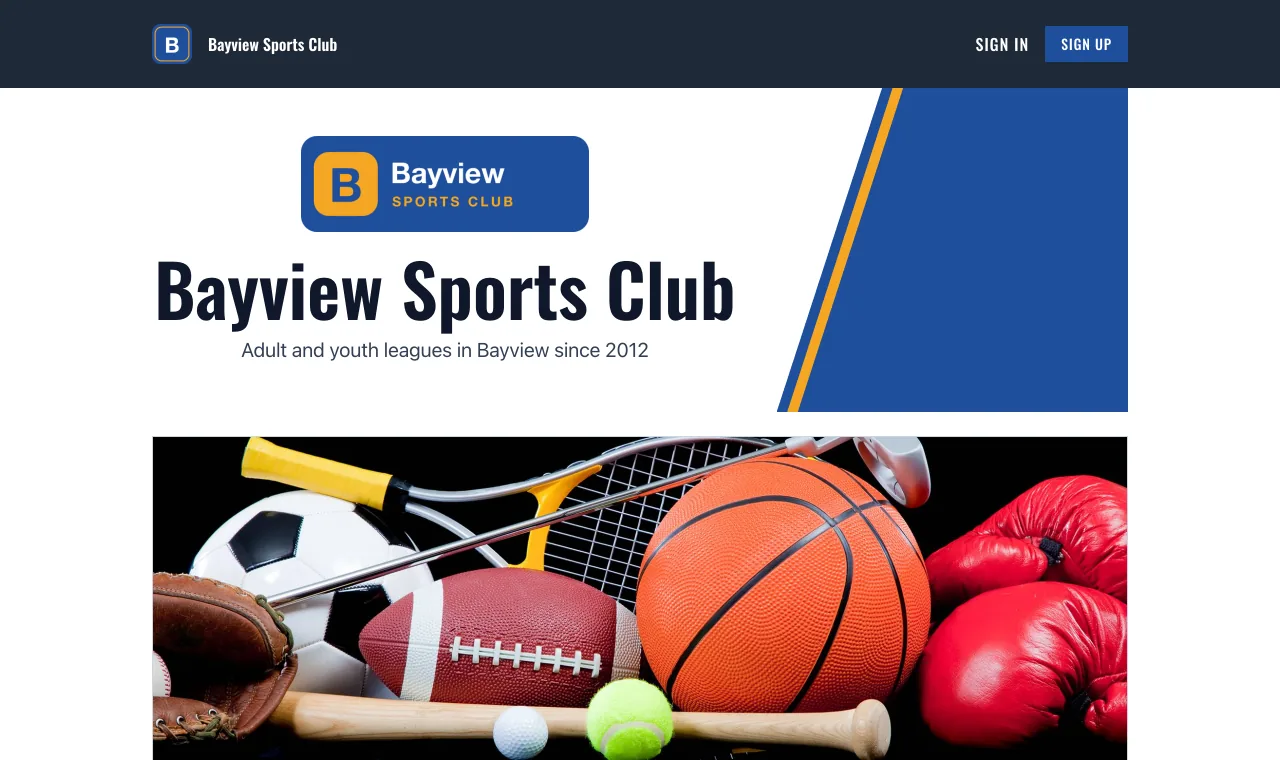
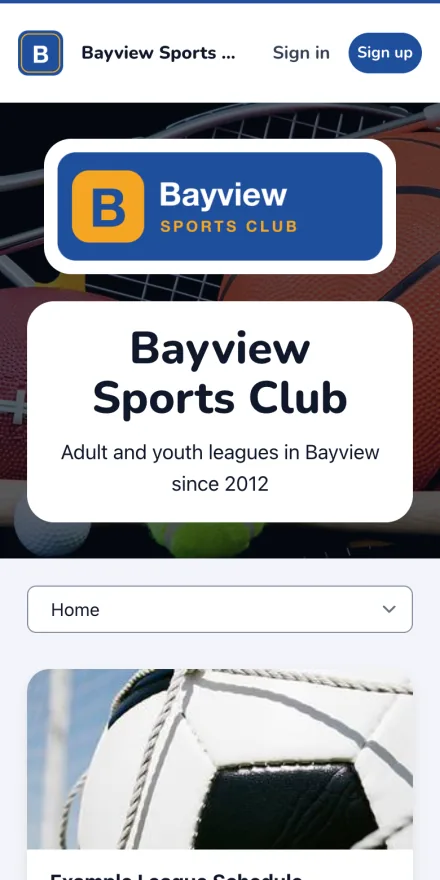
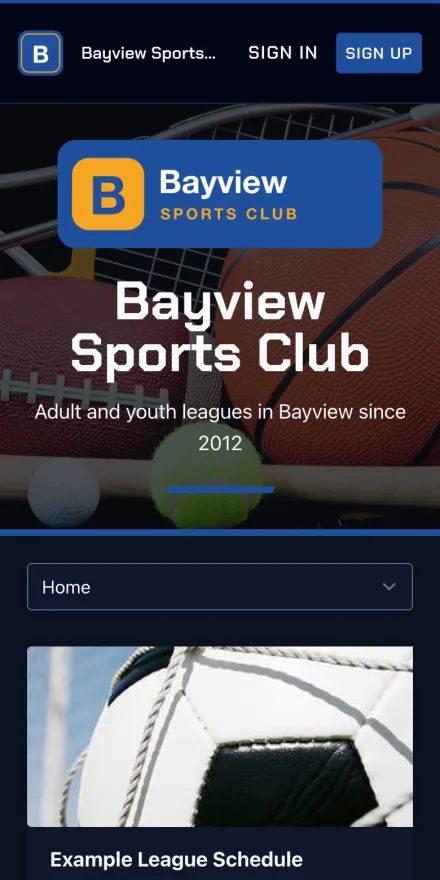
One club's website. The logo, the colors, and the content stay yours; the style decides the look.

Classic
The standard Playpass look. Light or dark, whichever each visitor prefers.
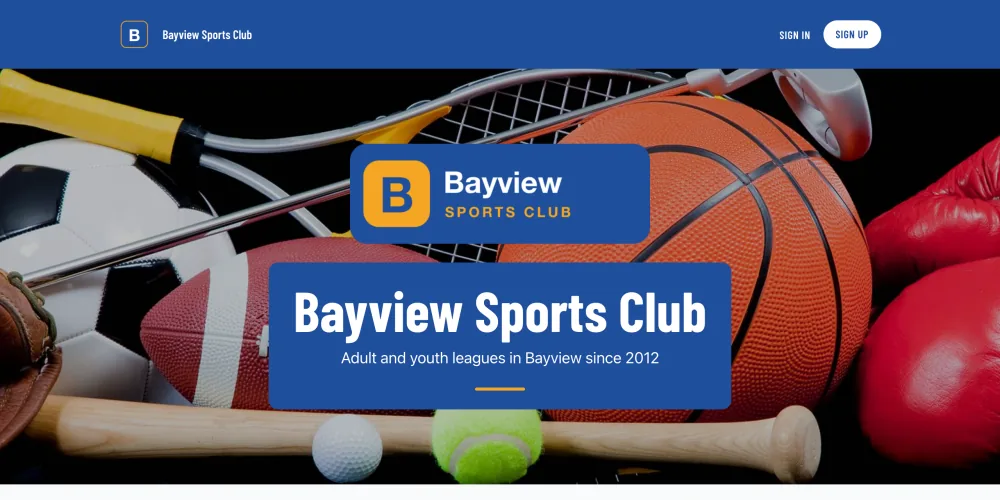
Varsity
Bold and bright, with a brand-colored bar.
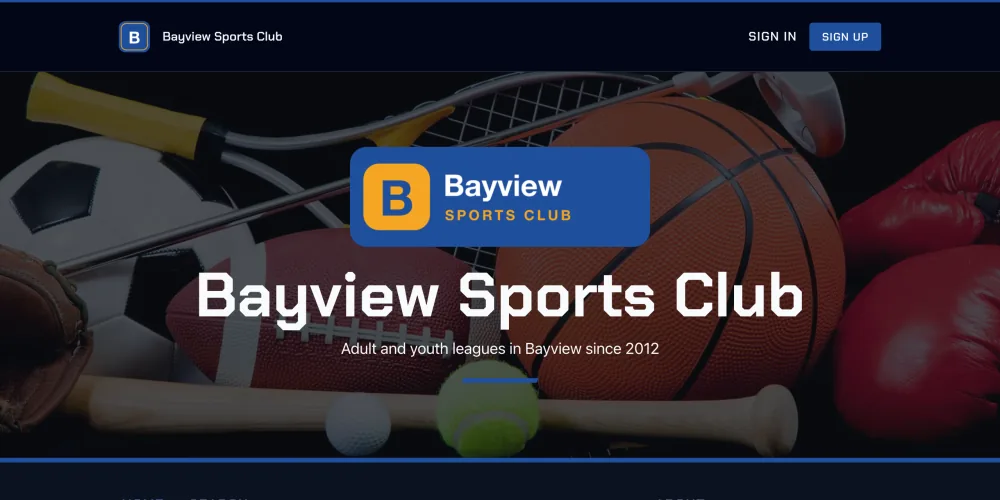
Arena
Dark and angular, with sharp type.
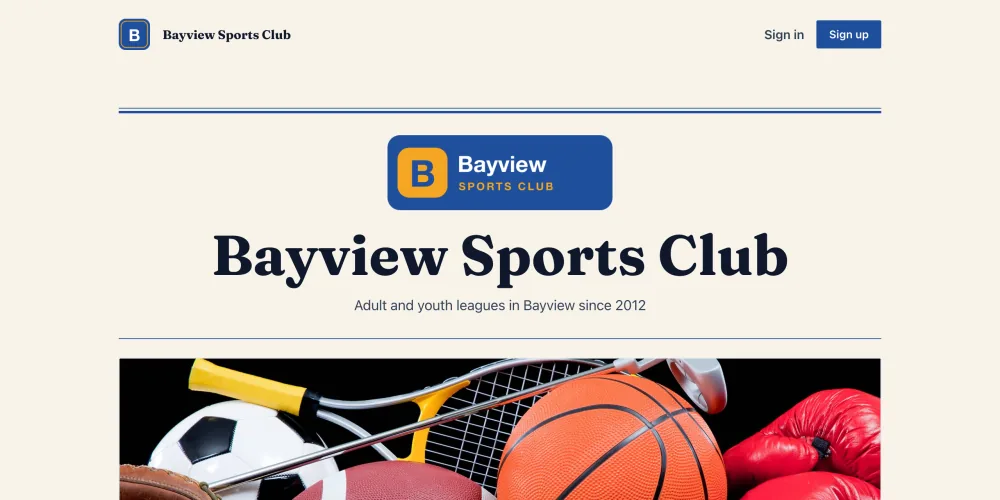
Bulletin
A warm paper look with a serif masthead.
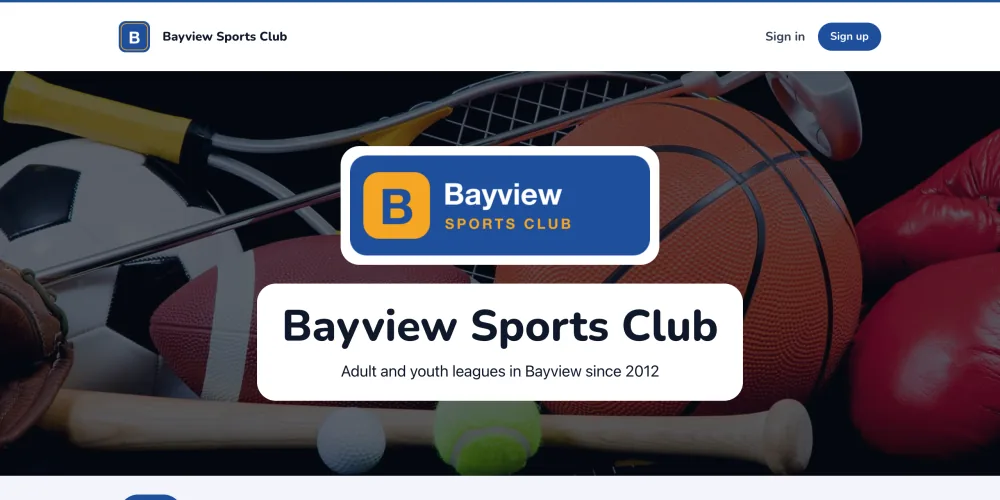
Rec
Friendly and rounded, on a soft tint.
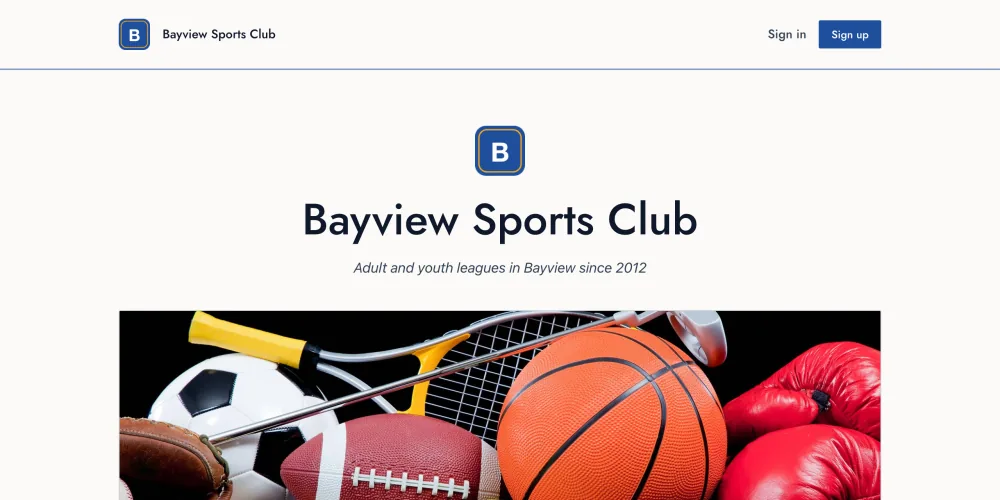
Clubhouse
Understated and premium, with thin rules and a monogram.
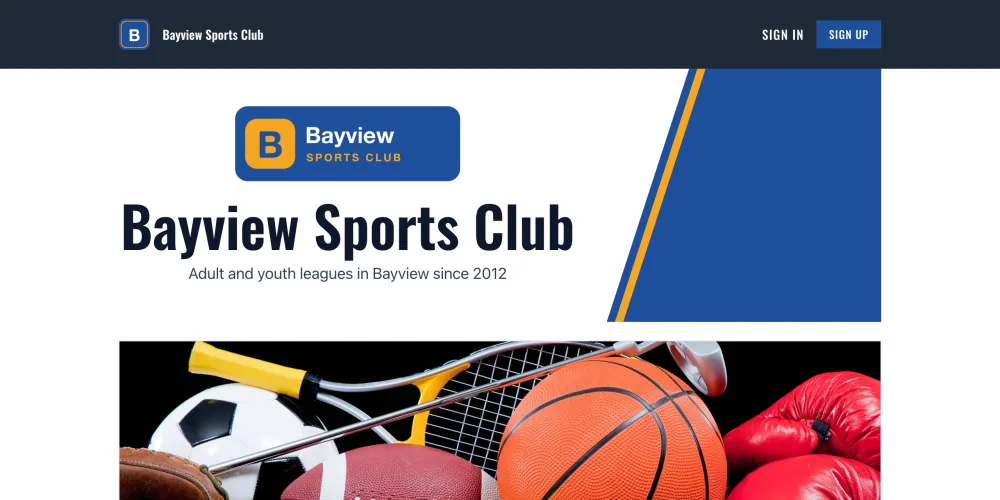
Scoreboard
Bold and structural, with a charcoal bar and a diagonal cut.
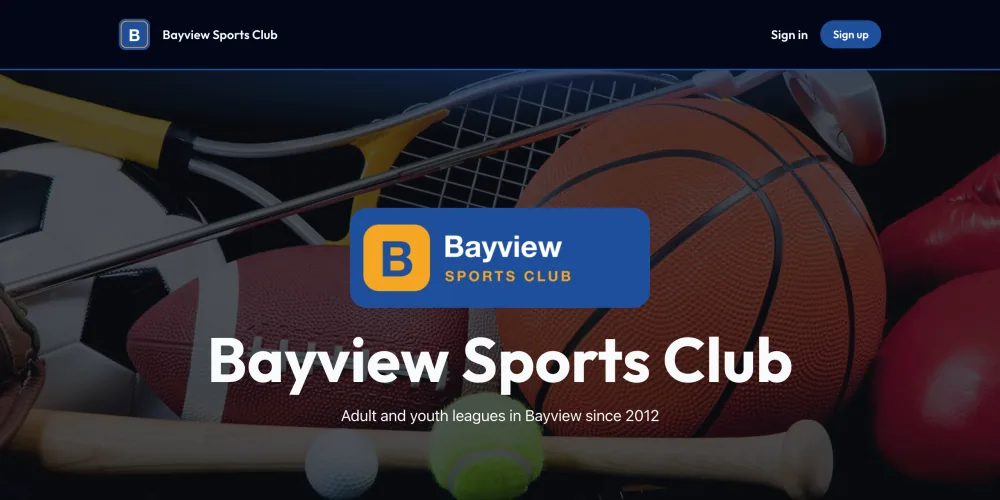
Neon
Dark and playful, with a glow.
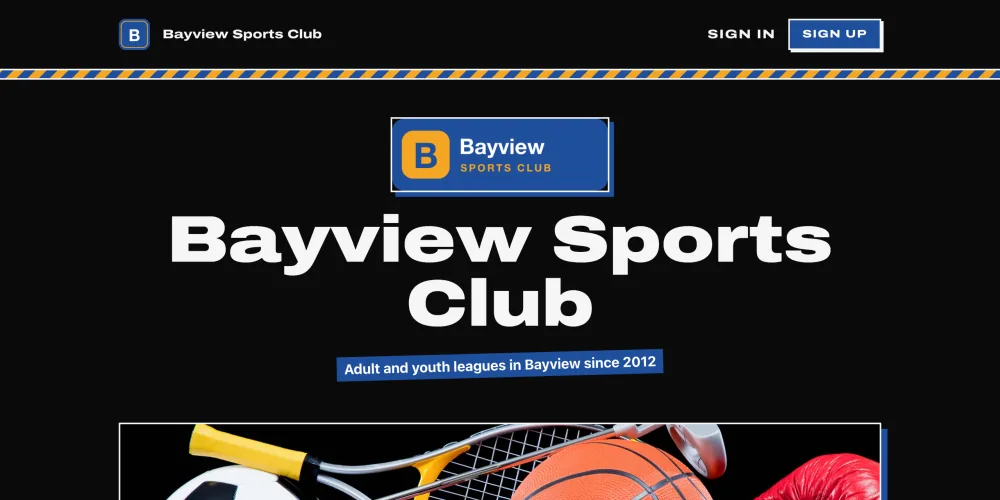
Blacktop
Dark and loud, with hard outlines and wide type.
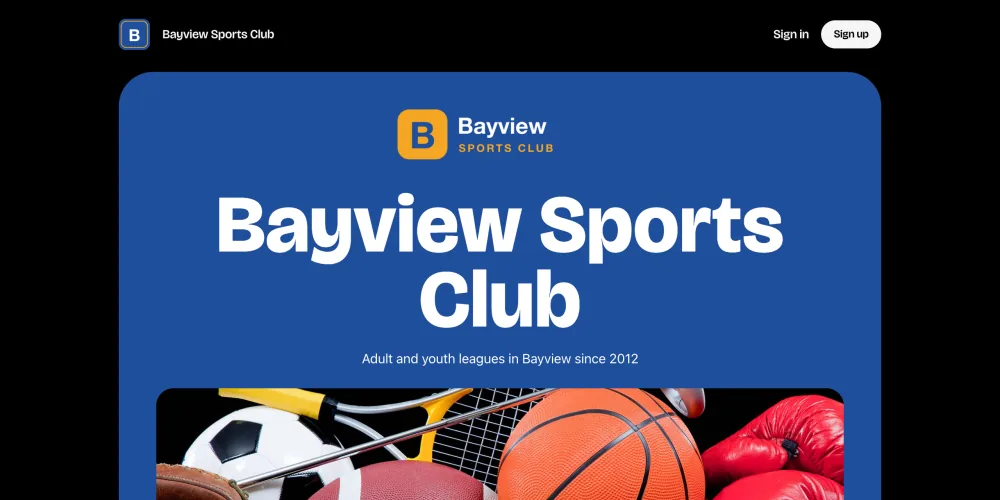
Blackout
True black and bold, with a slab of your color.
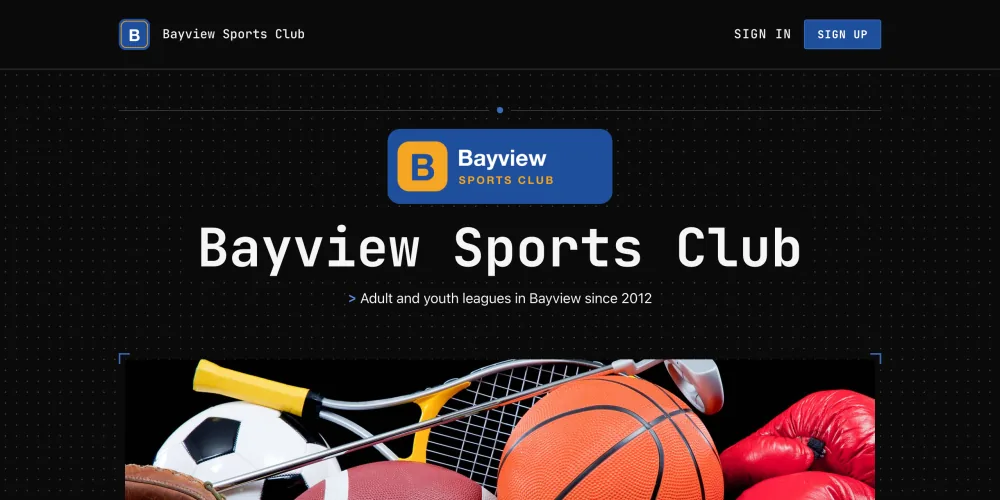
Signal
Dark and technical, with monospace type and hairlines.
From your dashboard to your players' phones
Change the design from one page in your dashboard. Players open the site, sign in, and register on it.
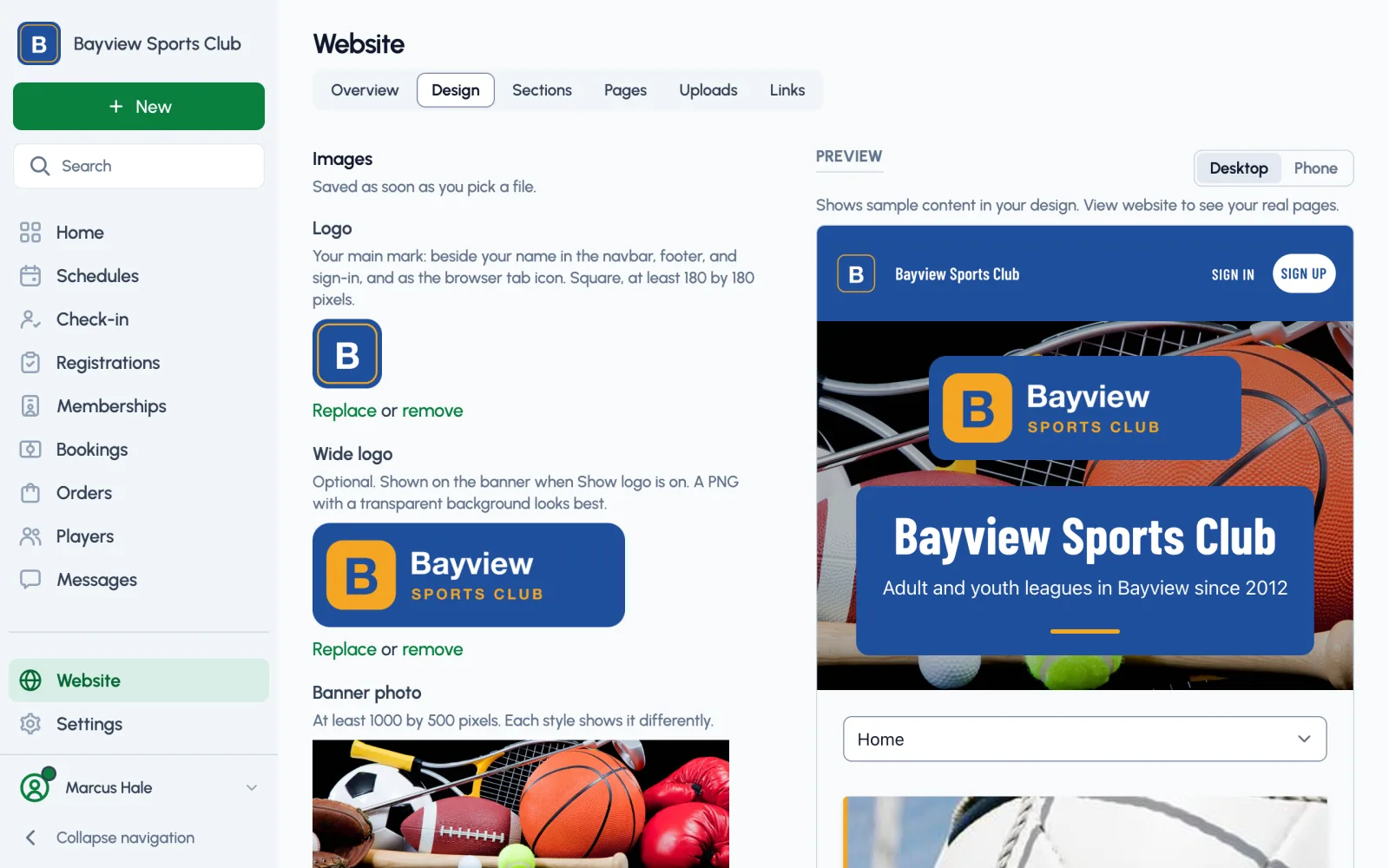
Preview your website before saving
Website > Design keeps the logo, colors, banner, and style on one page. The homepage preview updates as you edit, and you can switch it between desktop and phone before saving.
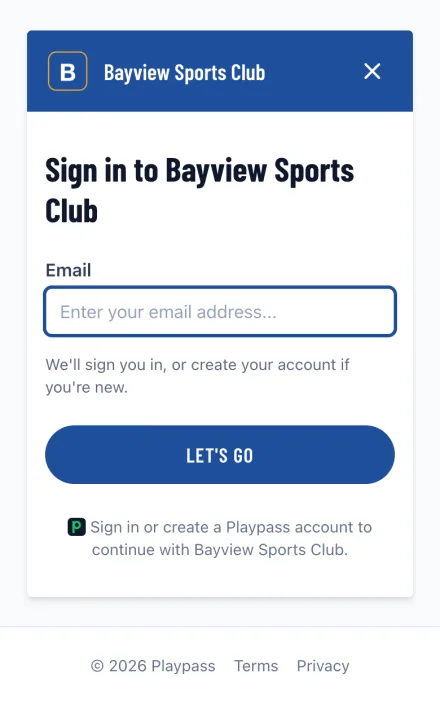
Players sign in on your site
The sign-in page shows your club's logo and colors above the email field. Players enter their email and the code Playpass sends them.
Every site has a playpass.com address. On a paid plan, choose a short link like playpass.com/YourClub, or add your own domain and use that instead.
Croquet website builder features
-
A website for your croquet league, club, or program
-
Built for phones, and works on tablets and computers
-
A choice of 11 styles, with your logo and your brand colors where the style uses them
-
A banner photo, title, and tagline, with a preview of each change before you save
-
Schedules, registrations, memberships, booking pages, and waivers on your homepage as you publish them
-
Homepage sections that group your programs the way you run them
-
A built-in store for merchandise, uniforms, and extras
-
Sponsor packages, with each sponsor's logo on your homepage once you approve it
-
Pages for your terms, refund policy, or sportsmanship rules
-
Files such as facility rules and field maps, as PDF, Word, Excel, CSV, or image files
-
A short link like playpass.com/DemoSC on a paid plan
-
Your own domain on a paid plan billed yearly, as a $99/year add-on
-
Your site and published programs in the sitemap Playpass gives search engines
-
Staff who help run the site and your programs, with more managers on paid plans
-
Looking for a feature? We release updates regularly. Let us know
Common questions
Is the website builder free?
Yes. Every organization gets a website on the Free plan, in any style, with no time limit and no credit card. Paid plans start at $9/month.
Can I use my own domain?
Yes, on a paid plan billed yearly, with the $99/year custom domain add-on. Connect it from your dashboard and it replaces your playpass.com address.
How many pages can I add on the Free plan?
One page and one file at a time, such as a refund policy and a field map. Paid plans publish more of each: 3 on Plus, 10 on Pro, and no limit on Max.
Do players need an account?
Not to look around. Anyone can open your site, schedules, and standings without signing in. To register or sign a waiver, players enter their email, then the code Playpass sends to it. The first time, that creates their account.
Does the site work on phones?
Yes. Every style is built for phones as well as tablets and computers, and Website > Design previews your homepage at phone width before you save.
A free website in any style
Every plan includes your website, every style, and your logo and colors. Upgrade for more pages and files, a short playpass.com link, and your own domain.
-
Free plan
$0
Your website in any style, with one page and one file at a time and one manager. Publish as many registrations and memberships as you need, with a 3% Playpass fee on online payments.
-
Paid plans
From $9/month
More pages and files at once (3 on Plus, 10 on Pro, and no limit on Max), a short playpass.com link, and your own domain as a $99/year add-on when you pay yearly. Each paid plan lowers the payment fee, down to 1% on Max. New organizations can try Pro free for 14 days.
-
Nonprofits
50% off
Registered nonprofits save on every paid plan, from $4.50/month. Community programs that charge players little or nothing and run mainly on donations or grants can apply to Sports for Good for the Pro plan at no cost.
Use Playpass Free for as long as you want
Everything you need to run your league or tournament